Skip to content
CodeToShip

Is your website healthy?

Get a score and a short list of what to fix first, in plain English.

Some sites block checkers with bot protection. If yours does, allow the CodeToShipAuditBot user agent in it, then try again.

  • 199 checks
  • Usually under a minute
  • Free, the first three fixes
  • No signup, no email

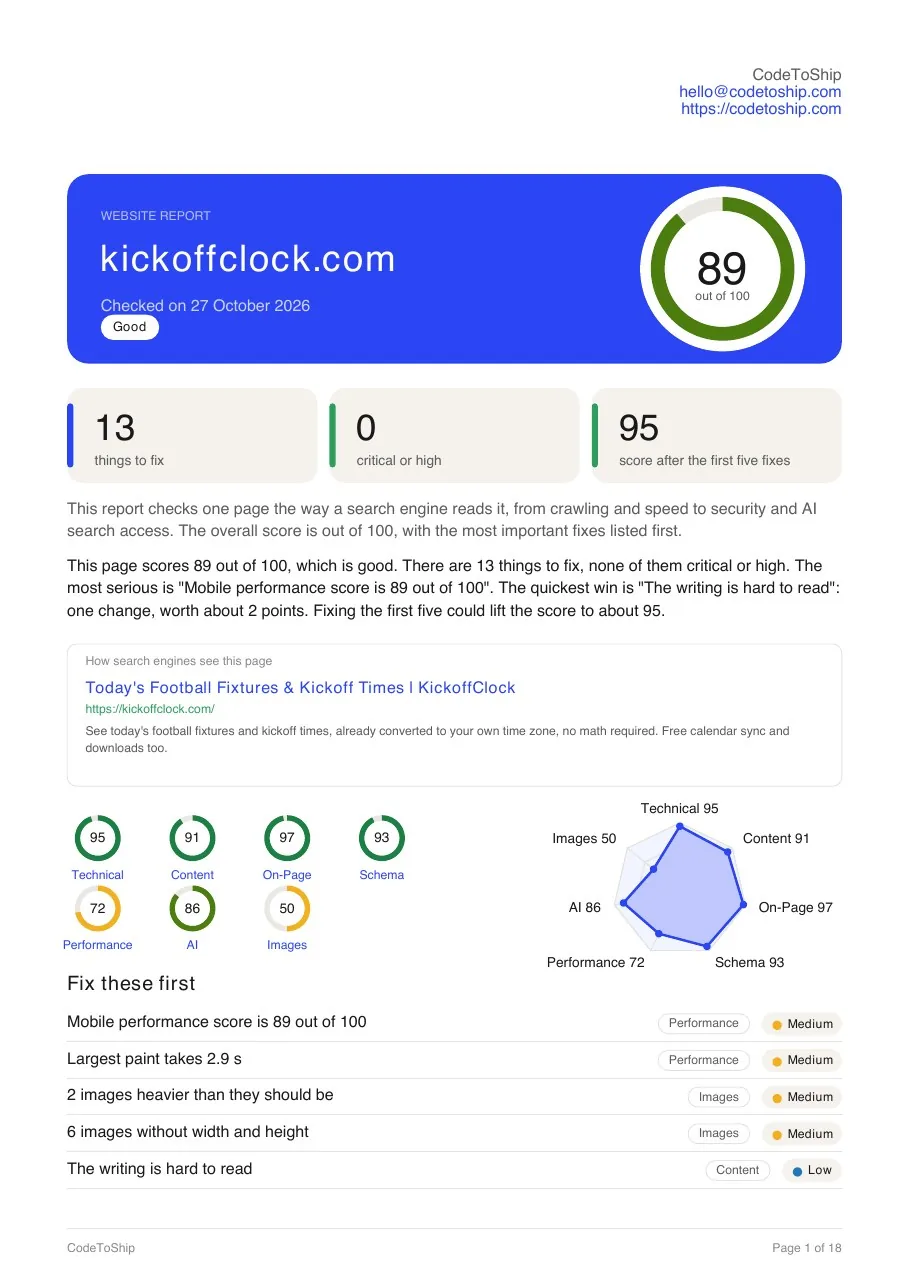
A real report, not a mock-up

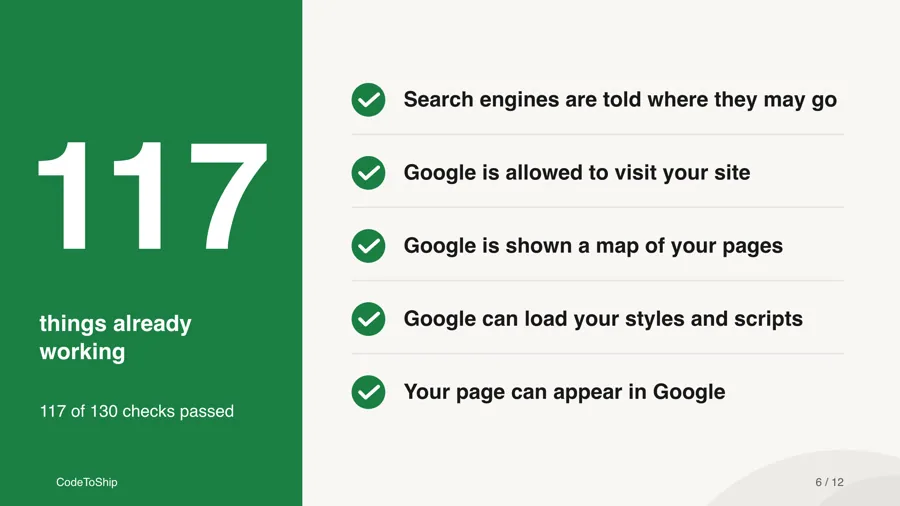
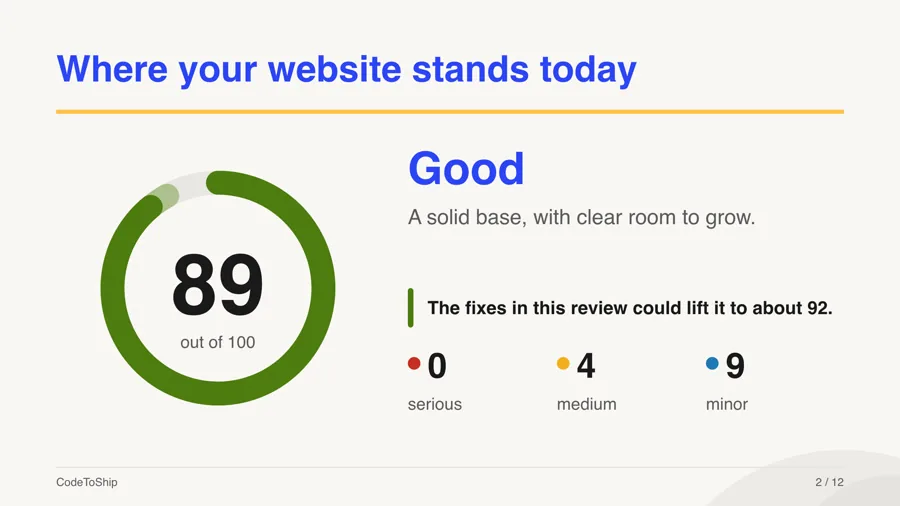
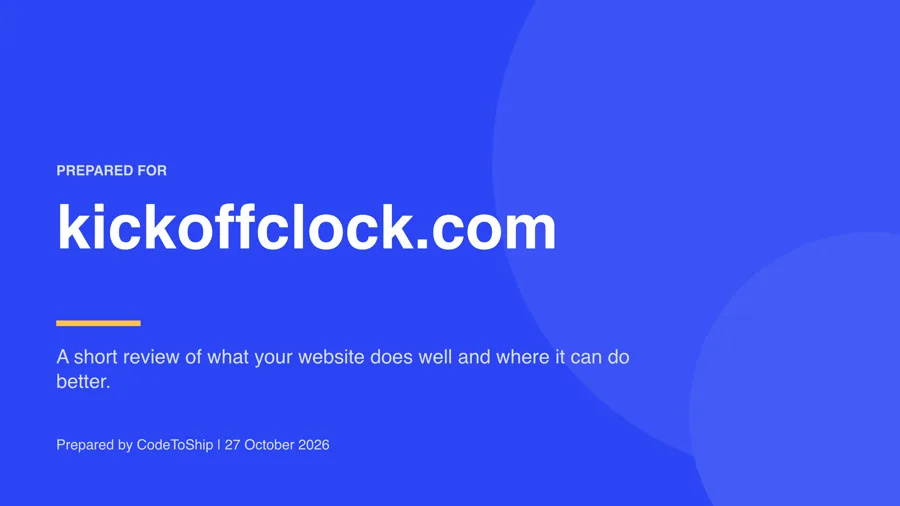
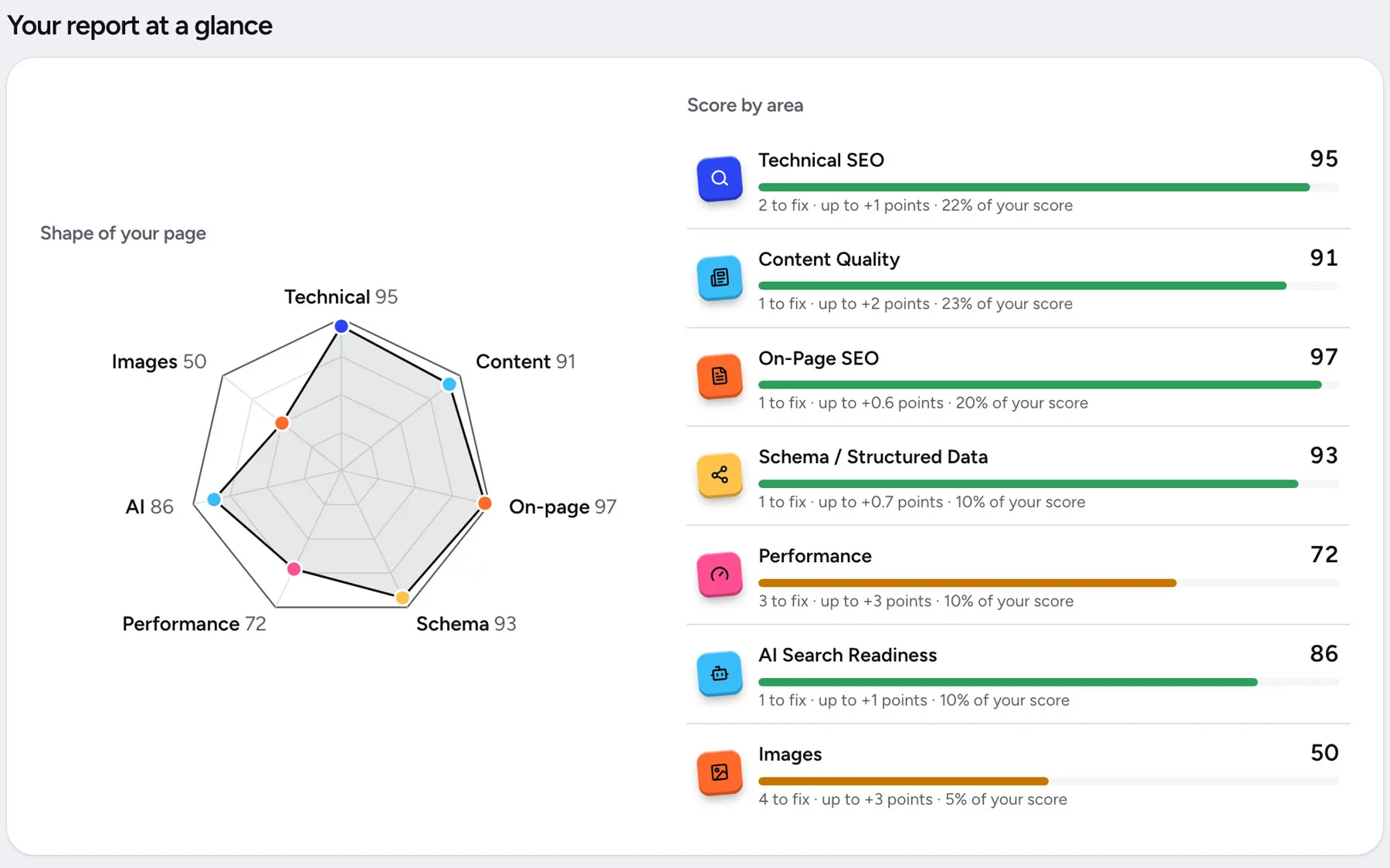
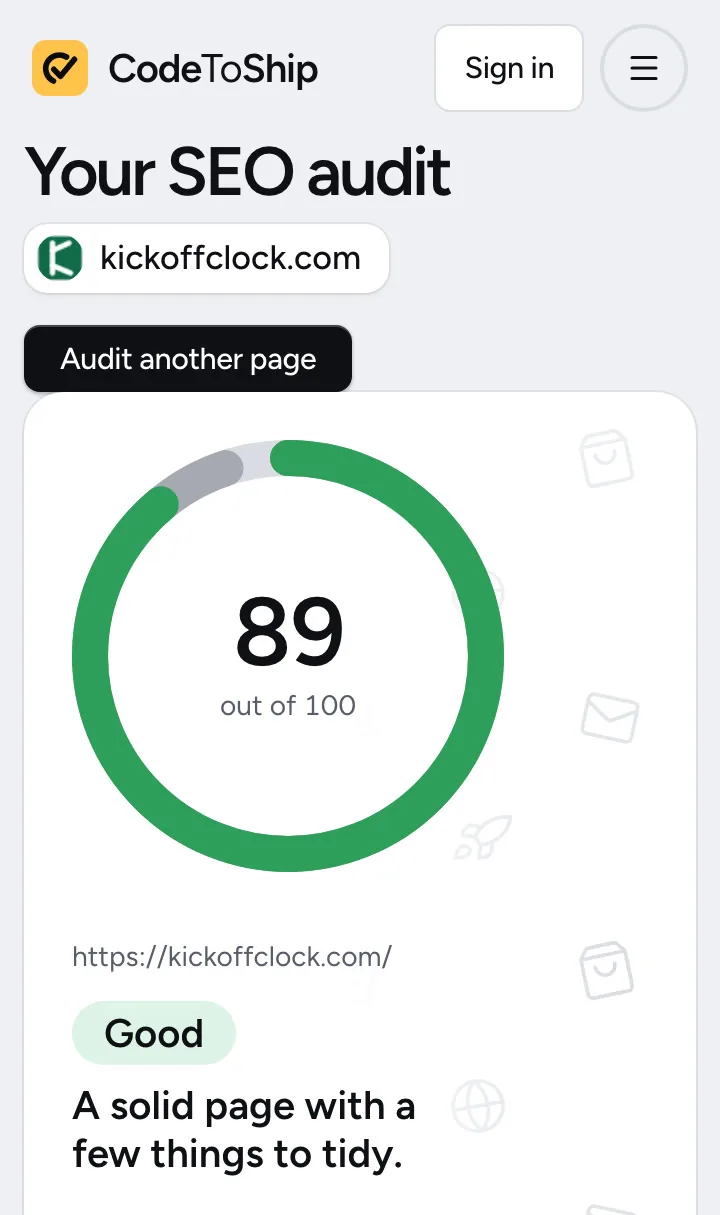
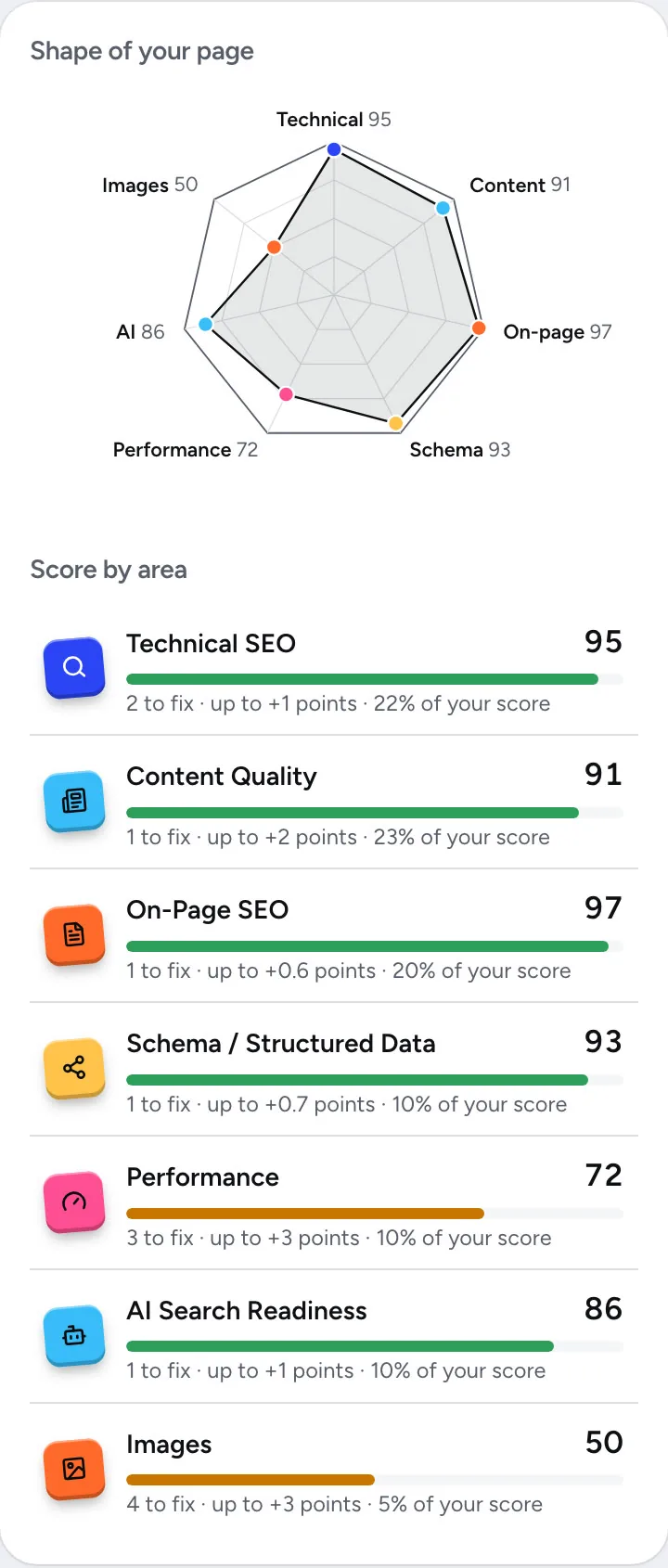
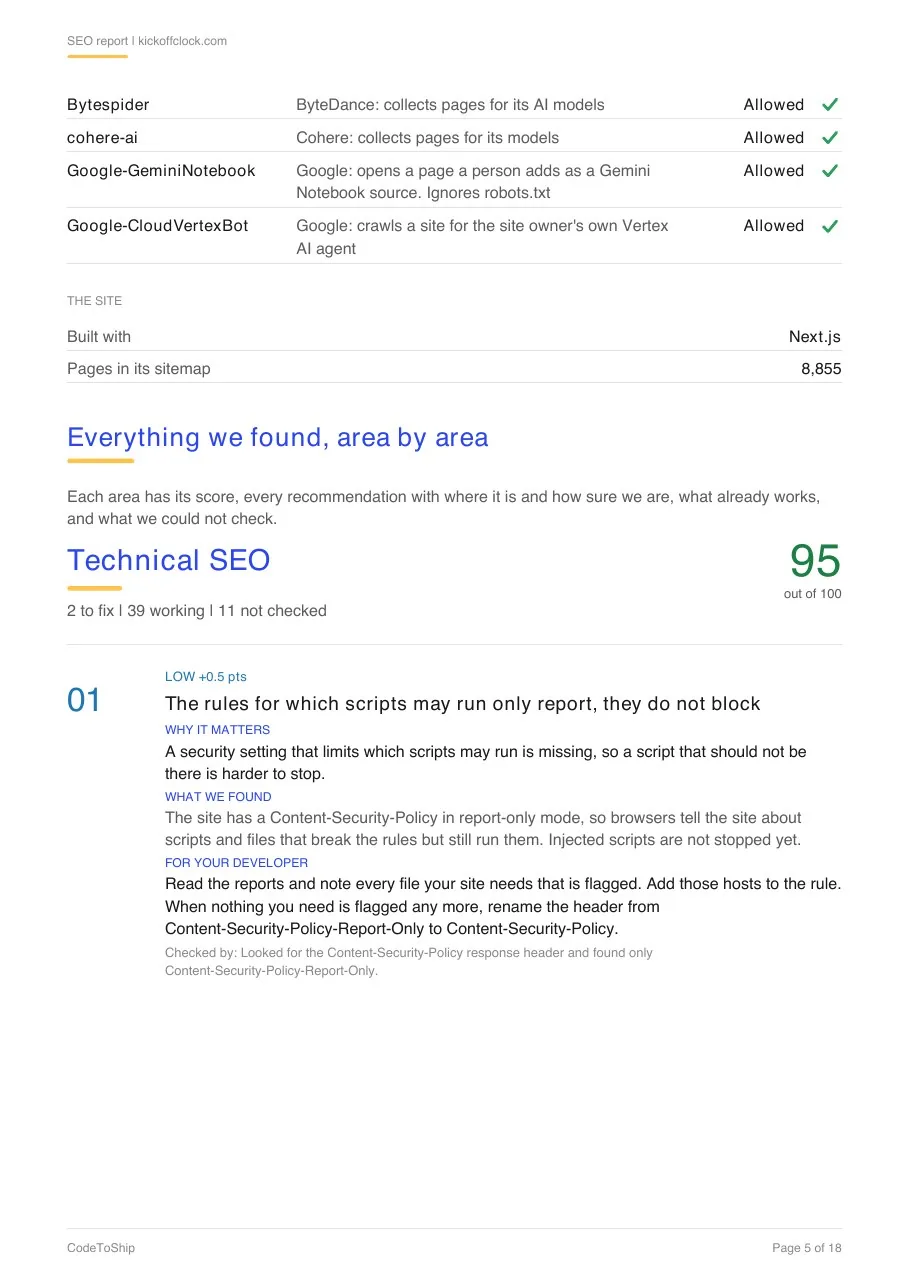
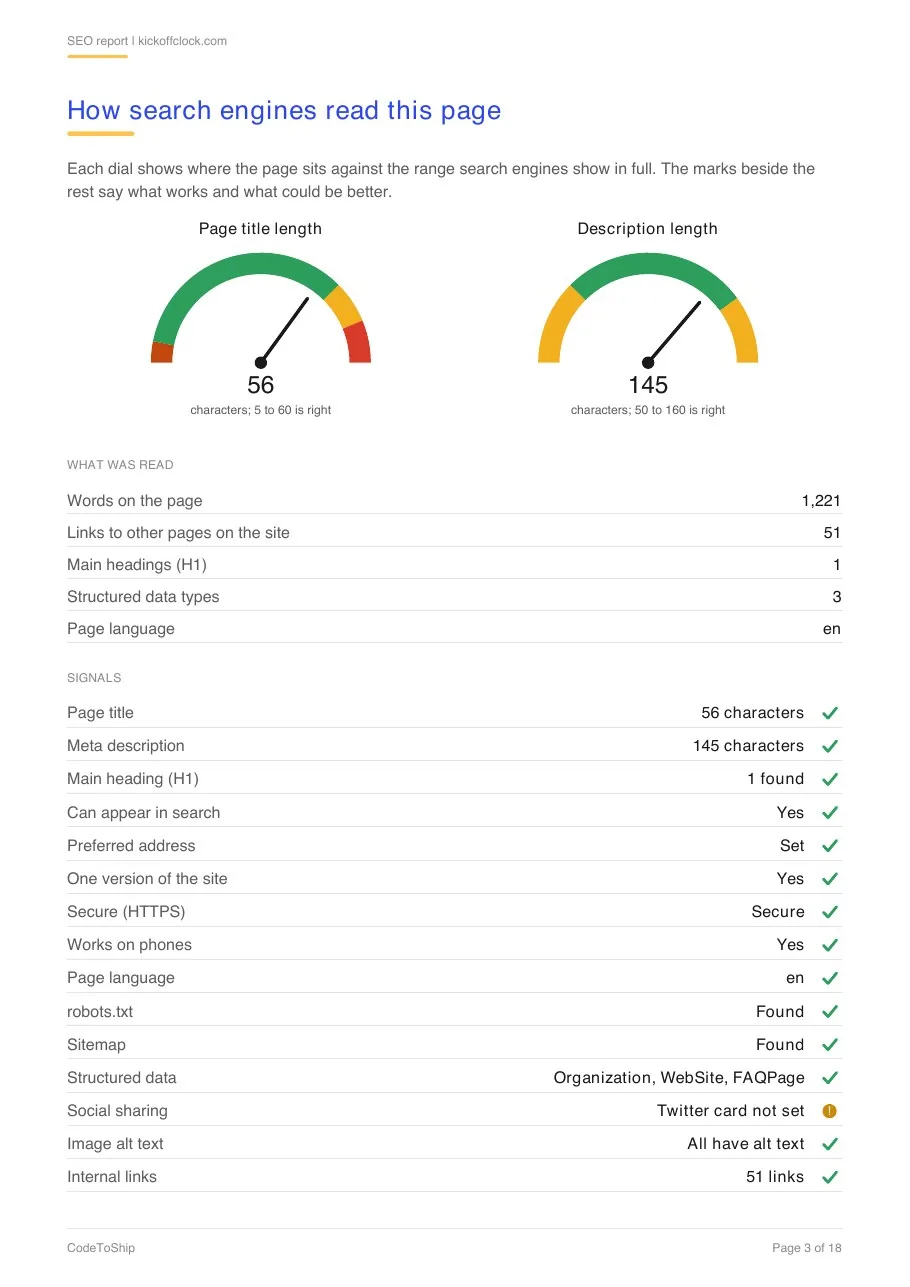
This is the audit of kickoffclock.com, run by the same engine that checks your site. It is the full report that comes with the plan, on screen and on a phone.

  • A score out of 100 and a grade
  • The first three fixes, free. The plan lists them all, ranked
  • Nine areas, each with its own score, with the plan
  • Every finding says what to fix and why, with the plan

How it works

  1. Enter an address

    Any page, no signup

  2. We run 199 checks

    Google's speed test comes with the plan

  3. Get your fixes

    The first three, in plain English

Take it with you

One audit, two ways to send it to a client. Add your logo and colors and they go on every page and slide.

The report

PDF or Word

The whole audit as a file you can send: a cover, charts for the score and for each area, every finding with its fix, and an action plan.

A pitch deck

PDF or PowerPoint

A short slide deck for a prospect, in plain words: where the site stands, what could be better, what you would fix first and what it changes. Nothing technical to explain.

The downloads come with a CodeToShip plan, which needs a card, and you can cancel any time. Sign in with Google, start the plan, run an audit, and choose Export.

What we check

199 checks in nine areas. Open one to see examples.

Crawling and indexing

27 checks20% of the score
  • robots.txt blocking the page or its styles and scripts
  • A page that asks to be kept out of search results
  • A missing or wrong preferred address (canonical)
  • Redirect chains and temporary redirects
  • The site answering on both www and non-www
  • Content that only appears after JavaScript runs
  • Language versions (hreflang) set up wrongly

Page basics

36 checks15% of the score
  • A missing, empty, too short or too long page title
  • A missing or badly sized meta description
  • No main heading, or skipped heading levels
  • No mobile viewport tag, no page language
  • No favicon or home-screen icon
  • Broken links and vague link text such as 'click here'

Speed

16 checks15% of the score
  • Mobile performance score
  • How long the first and the largest content take to appear
  • Layout shift while the page loads
  • How long the server takes to answer
  • Scripts in the head and from other companies that hold the page up
  • HTML sent uncompressed, text hidden while a font loads
  • What real visitors on phones experience

Words on the page

35 checks12% of the score
  • Thin content and very long paragraphs
  • Writing that is hard to read
  • No visible author or date
  • No contact details on the page
  • Claims with no source nearby
  • A page type that is missing its usual parts

Security

12 checks10% of the score
  • Not using HTTPS, or a certificate that expires soon
  • http:// not redirecting to https://
  • Insecure files loaded on a secure page
  • Missing rules that stop other sites framing your page
  • No limits on which scripts may run
  • The server announcing its software version

Structured data and sharing

29 checks8% of the score
  • No structured data, or data Google cannot use
  • Missing required properties
  • Template text left in the data
  • Prices and ratings not written as numbers
  • An incomplete share preview, or one for X (Twitter)
  • A share image that does not load
  • A home page that does not say who the business is

Images

15 checks8% of the score
  • Images with no description for people who cannot see them
  • Images with no set size, which makes the page jump
  • Images far larger than they are shown
  • Old image formats
  • The largest image not cached
  • The main image told to wait before it loads

Sitemap

14 checks7% of the score
  • No sitemap, or one that is not valid
  • The page you are checking missing from the sitemap
  • Pages in the sitemap that redirect or ask to stay out of search
  • Dates that are all the same or not valid
  • Too many entries, or news, image and video entries that are incomplete
  • robots.txt pointing to a sitemap that is gone

AI search access

15 checks5% of the score
  • robots.txt rules that block AI crawlers
  • Rules that do not reach some AI crawlers
  • No paragraph of 100 to 170 words under a heading
  • Question headings with no short answer under them
  • A broken AI catalog file the site points to

How the score works

Serious problems count more

  • Critical counts as 5
  • High counts as 3
  • Medium counts as 2
  • Low counts as 1

Each area is the share of its checks that passed. Then the areas are combined. No AI, no guessing.

What the score means

  • Strong 90+
  • Good 75+
  • Needs work 50+
  • Poor Below 50

A page search engines cannot read scores 49 at most.

One page, plus the files around it. No backlinks, rankings or traffic. A second opinion, not a promise of where you will rank.

Run an agency or work for yourself?

Send this audit to your clients as a report and a pitch deck with your own logo and colors.

Questions people ask

What is an SEO audit?

An SEO audit is a check of how well a page is set up to be found and understood by search engines. It looks at whether search engines can reach the page, whether its title, headings and content say what it is about, how fast it loads, and whether it is secure. The result is a list of problems and fixes.

What is a good SEO score?

90 or more is Strong, 75 to 89 is Good, 50 to 74 is Needs work and below 50 is Poor. A score is a measure of how well the page is set up, not a promise about where it will rank.

Will fixing these things put me at the top of Google?

No one can promise that, and we do not. The report finds problems that make a site harder to find or trust, and shows how to fix them. Where you rank also depends on your competitors, your content and time.

Does it check for AI search?

It checks whether AI crawlers such as ChatGPT's are allowed to read your site and whether your page has short, quotable answers. It does not measure whether AI tools mention your business, because that cannot be checked without a paid data source.

Why does it check only one page?

A full crawl takes minutes and can overload a small site. One page, plus the files around it such as robots.txt, your sitemap and a sample of your links and images, shows the problems that usually affect the whole site, in under a minute.

Do you keep my website or my report?

Your report is held in memory for 30 minutes so you can read it, then it is deleted. If you are not signed in it is never written to a database or a file; if you sign in and have a plan, the reports of your audits are kept in your history for 12 months so you can download them again. We remember the name of the site, not the page, for up to an hour so one site is not checked again and again. Our privacy policy lists everything we keep.

Who is behind this audit?

CodeToShip builds white-label tools for web agencies, and we say so. The audit is the same for every site and does not know who is asking. If you run an agency, you can join the early-access list for a version with your own brand.

Check your website now

It takes under a minute, and the score and the first three fixes are free.