Website logo not showing in Google search? Fix it step by step
 By Prabhav Lamichhane10 min readPublished
Your website logo is not showing in Google search, or it still shows the old one.
- First, find out which logo you mean
- Then follow the steps in order, and stop when you see the new logo
- A short message to send if someone else makes the change
The small logo next to your site name is called a favicon.
Which logo do you mean?
The small logo by your site name
Called a favicon. This guide fixes it.
A bigger business logo
Set with logo markup. Not covered here.
Your Google Business Profile logo
Set inside your profile. Not covered here.
Step 1
Open the icon file
Your browser tab can show an old saved copy. So first, look at the real file on your website.
Do this
- In a new tab, type your website address, then
/favicon.ico. For example:https://yoursite.com/favicon.ico - Press Enter. Your browser shows the icon file on its own.
Nothing there? Your site may use another file name. Open your page, right-click, choose "View page source", and search for
rel="icon". Copy the address afterhref=.- In a new tab, type your website address, then
Step 2
Look for two icon tags
For your developer. If you do not build the site, send them the message at the end.
A page can have more than one icon tag, and then the browser has to pick one. MDN, a trusted guide for web developers, says this:
If there are multiple
<link rel="icon">s, the browser uses theirmedia,type, andsizesattributes to select the most appropriate icon. If several icons are equally appropriate, the last one is used.In plain words: when two tags look the same to the browser, the last one wins. Here the first tag is your new icon, but the old tag comes last, so it can win.
<link rel="icon" href="/favicon.ico">
<link rel="icon" href="/old/favicon.ico">
Do this
- Open your page. Right-click and choose "View page source".
- Search the page for
rel="icon"(Cmd+F on a Mac, Ctrl+F on Windows). - Count the icon tags.
This is easy to miss. On October 7, 2026 we tested 12 well-known websites. One of them, tailwindcss.com, has two different
.icofiles on its home page.Step 3
Refresh your browser's copy
A browser keeps favicons in a place of their own, not with the normal page files. Firefox, for example, uses a file called
favicons.sqlite. So a normal reload can leave the old icon in the tab.Do this
- Open your icon's address in a tab, like in step 1.
- Hard reload it: Cmd+Shift+R on a Mac, or Ctrl+Shift+R on Windows.
- Close the browser fully. Open it again.
This often works, but it is a trick, not a promise. A private window does not prove anything either way. And what you see says little about your visitors. Their browsers update their own copy.
What do you see in the tab?
The new icon
You are done.
The old icon
Your own browser may need more time. Go to step 4 to fix it for everyone else.
Step 4
Clear the saved copy on your server or CDN
For your developer. If you do not build the site, send them the message at the end.
A browser reuses a saved file without asking your server, as long as the file is fresh. MDN gives an example: a file with
max-ageof one week is used for that week. So if your icon has a long cache time, visitors keep the old one until it runs out. A CDN like Cloudflare also saves copies. Cloudflare saves.ico,.pngand.svgfiles by default.Do this
Quick fix: purge the icon file in your CDN.
Best fix: give the new icon a new name, and point your tag at it. A saved copy is found by its address. A new address is always fetched fresh. MDN says this is a common best practice for files that change.
<link rel="icon" href="/favicon-2.ico">
Rename it once, when you replace the icon. Do not rename it on every deploy. Google says the favicon address must be stable and should not change often.
Open the icon file again, like in step 1. What do you see?
The new icon
Your server is fixed. You are done.
The old icon
Check that the new file is really on your server. Then purge your CDN again.
Step 5
Help Google find the new icon
Google can take anywhere from several days to several weeks to show a new favicon. While you wait, check that Google can read your icon.
Do this
- Make sure the icon tag is on your home page. A subdomain, like
blog.yoursite.com, has its own icon. - Do not block your home page (Googlebot) or your icon file (Googlebot-Image) in
robots.txt. - Make the icon square, at least 8 by 8 pixels. Google says bigger than 48 by 48 is better.
- Use one of these formats: BMP, GIF, ICO, PNG, JPEG, PPM or TIFF. SVG and WebP are not on Google's list, so keep a PNG or an ICO too.
- In Google Search Console, open the URL Inspection tool and ask Google to index your home page again.
This can make Google look sooner. It cannot make Google show your icon. Google decides that.
Is your new icon in Google?
Yes
You are done.
Not yet
Wait. It can take several days to several weeks. Run the free checker below to see if anything blocks Google.
- Make sure the icon tag is on your home page. A subdomain, like
Not the one who changes it? Send this on
Copy one of these messages.
To your developer or designer
Our logo icon (favicon) is not showing right. Please check that the home page has a
rel="icon"tag, that the icon file opens on its own, that it is square and bigger than 48 by 48 pixels, and thatrobots.txtdoes not block it. If you replace the file, give it a new name once and clear the CDN cache. Then check it here: https://codetoship.com/tools/favicon-checker
To your client
We updated your logo icon (the small image in the browser tab). Your browser keeps its own copy, so it may still show the old one on your computer. Try a different browser or wait a little. Google can take from several days to several weeks to show the new one in search results. That part is up to Google.
Questions about a favicon in Google
How long does it take Google to show a new favicon?
Google says it can take anywhere from several days to several weeks. Asking Google to index your home page again in Search Console can make it look sooner, but Google decides when to show the new icon.
Why does my favicon show in the browser tab but not in Google?
They are two different copies. Your browser keeps its own saved copy of the icon, and Google reads your icon on its own schedule. Google shows it only when it can fetch the file from your home page and the file meets its rules.
What size should a favicon be for Google?
Square, at least 8 by 8 pixels. Google says bigger than 48 by 48 pixels is better.
Which file types does Google read for a favicon?
BMP, GIF, ICO, PNG, JPEG, PPM and TIFF. SVG and WebP are not on Google's list, so keep a PNG or an ICO as well.
Can I rename my favicon file?
Yes, once, when you replace the icon: give the new file a new name and point the tag at it. Google says the favicon address must be stable and should not change often, so do not rename it on every deploy.
Is the favicon the same as the logo in my Google Business Profile?
No. The small logo by your site name is a favicon, set on your website. A bigger business logo is set with logo markup, and a Business Profile logo is set inside the profile.
Our own sites: what the checker found
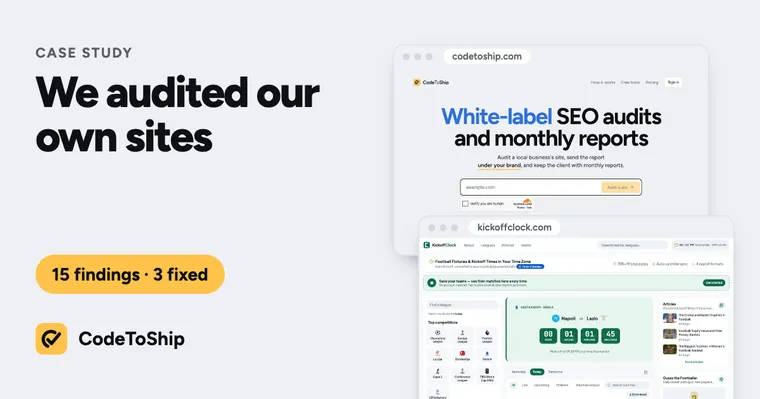
We ran the favicon checker on our own site and on Kickoff Clock, a site we built as our own example. These are the results as the tool printed them on November 9, 2026. Our own site was checked again on November 12, after we fixed its one open item. Neither icon is broken: every file loads and is a real image. Each site still has small things to fix, and the checker says so. It cannot tell whether Google shows the icon, only Google decides that.
- Real site
codetoship.com
Checked November 12, 2026
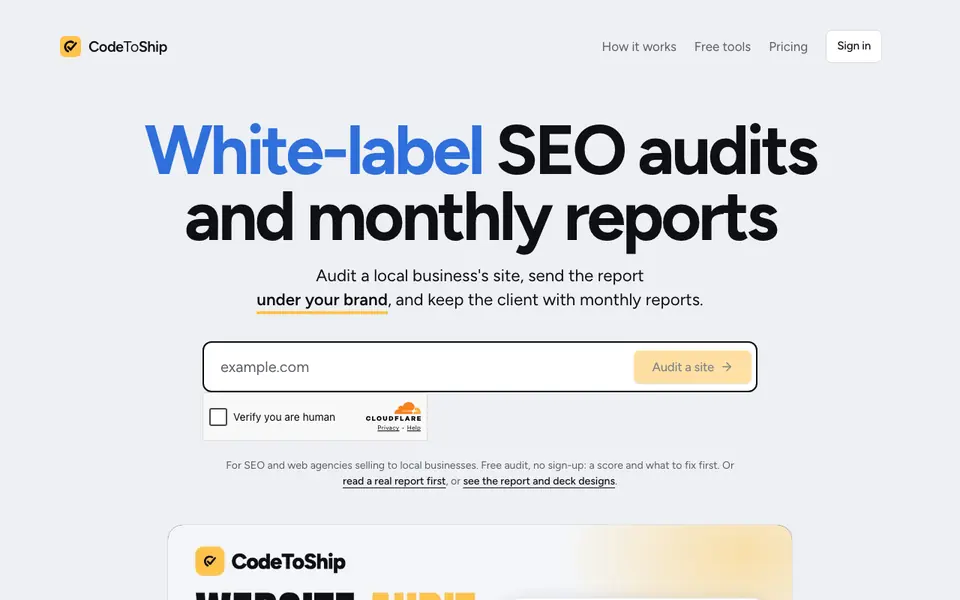
The page we tested, as a first-time visitor saw it. - PassedThree icon files load, and each is a real image.
- PassedThe icon is a square of 48 pixels, and the touch icon is a PNG of at least 180 pixels.
- PassedThe home page names the icon, and robots.txt lets Google fetch it.
- NoteThe SVG icon has no dark mode rule, so it looks the same in a dark tab.
- PassedA web app manifest lists 192, 512 and maskable PNG icons, which Android uses for the home screen icon.

Real size Zoomed 3× This icon is 48 × 48. Google asks for a favicon larger than 48 × 48.
The icon Google reads was right from the start. The first run found one thing missing, a web app manifest, which only matters when someone adds the site to an Android home screen. We added one on November 9, and the checker now finds nothing to fix. It is marked fixed in our case study.
- Real site
kickoffclock.com
Checked November 9, 2026
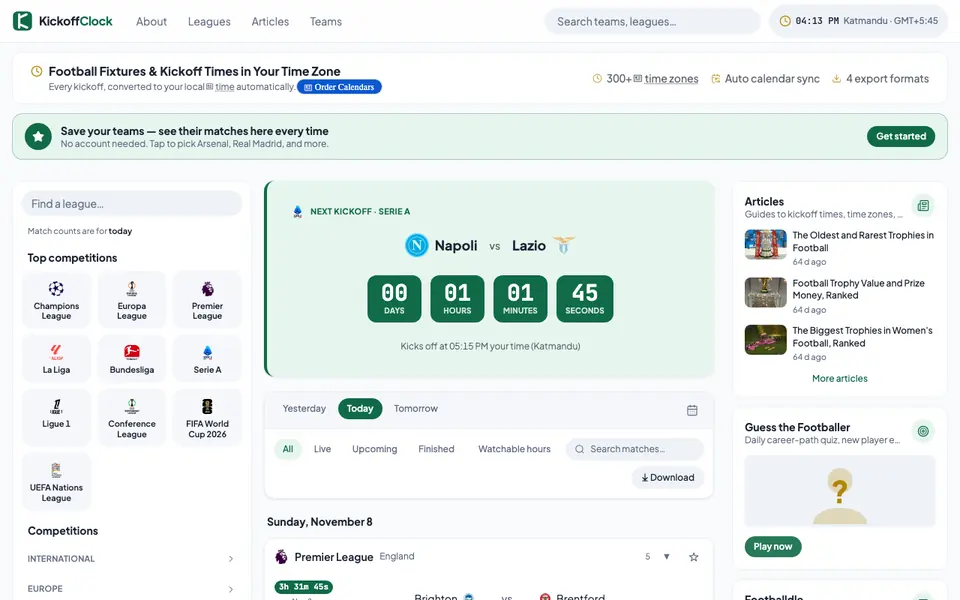
The page we tested, as a first-time visitor saw it. - PassedThree icon files load, and the touch icon is a PNG of at least 180 pixels.
- PassedThe SVG icon changes for dark mode.
- To fixThe best icon is 32 by 32 pixels. Google recommends larger than 48 by 48, so it may look blurry.
- To fixThe web app manifest has no 192 or 512 pixel PNG icon, which Android needs.

Real size Zoomed 3× This icon is 32 × 32. Google asks for a favicon larger than 48 × 48.
This is the size problem to look for: the icon loads, and it is smaller than Google asks for. The fix is to export the logo again at 96 by 96 pixels or more.
Every row is copied from the checker's output. Our manifest is fixed. Kickoff Clock's two items are still open, and we will update this page when we fix them.
Want to check all of this at once?
The free favicon checker opens your icon files from our server. Your browser's saved copy cannot fool it. It also finds blocked files and the wrong size. And it shows how your icon looks in a browser tab, in Google and on phones, in light and dark mode.
It keeps each result for 10 minutes. After you fix something, wait 10 minutes before you check the same address again.
Send audits under your own brand
Audit a client's site, then send a report and a pitch deck with your logo and colors. It works today.
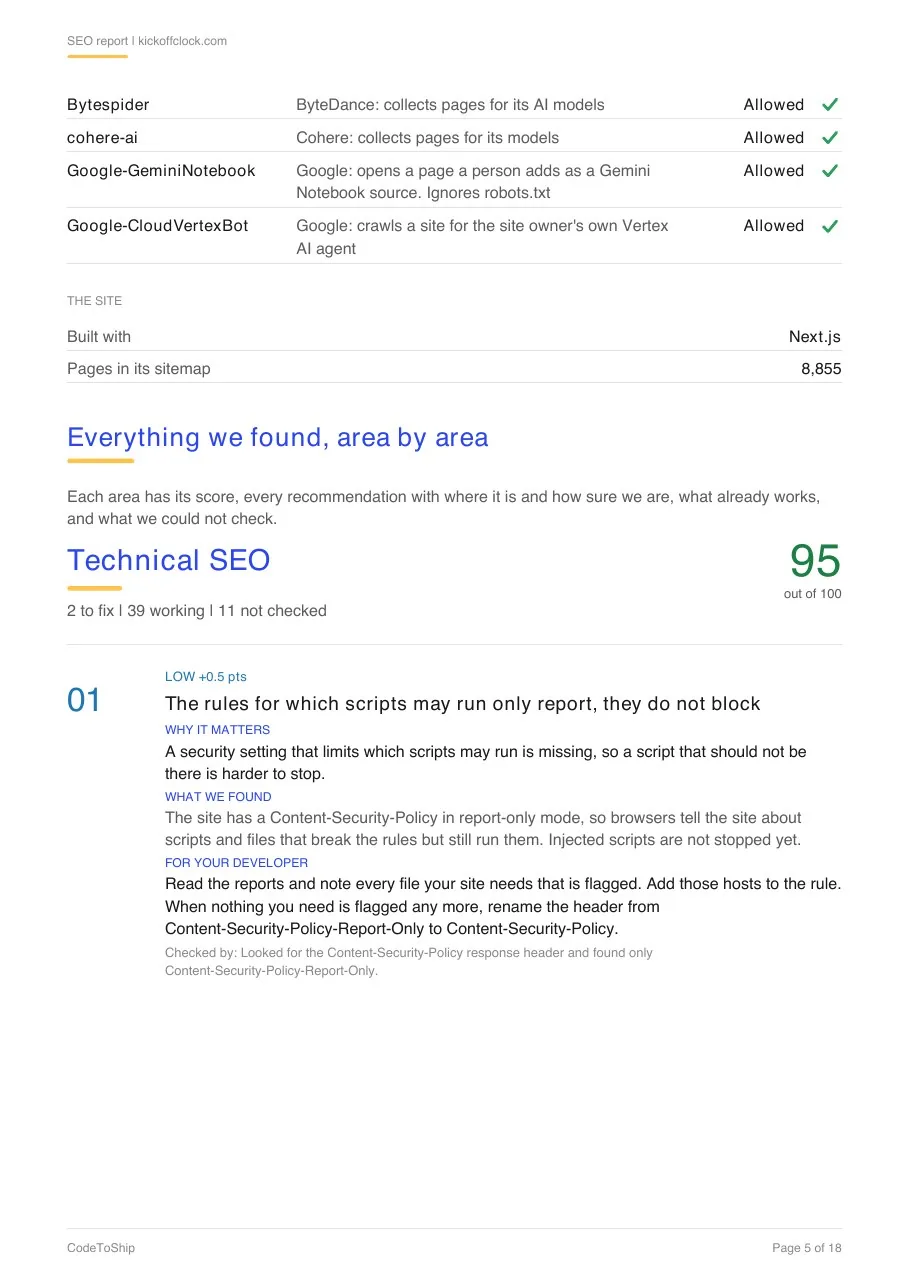
Related guides
Sources
- Google Search Central, Define a favicon to show in Google Search (updated August 28, 2026, read October 7, 2026)
- Google Search Central, Logo structured data (updated September 8, 2026)
- MDN, rel link types,
icon - MDN, HTTP caching
- Cloudflare, Default cache behavior
- Mozilla, Places architecture overview (Firefox keeps favicons in
favicons.sqlite)